



Remaking Disciples 2 (Gallean)
Gallean is an open source Disciples 2 remake with all campaigns and scenarios, 4K assets and hotseat multiplayer.
Hello, fellow Disciples fans!
Gallean is an open source and cross-platform remake of Disciples 2 that has 4K assets, all campaigns and scenarios, and a fully reworked interface. It covers every mechanic of the original that I know of, and has an AI that is a real pain to play against.
Why Gallean?
In the lore, Gallean married Death, was murdered by a Dwarven god, and abandoned his children. A solid choice for a game name.
Gallean 0.8 is the first public release. The only reason it’s not a 1.0 is because I may need to make incompatible1 changes for some of the features I still have planned for 1.0, such as remote multiplayer. If you are willing to play with friends, only hotseat multiplayer is supported for now.
I never did a complete end-to-end game project before, and this has been a vivid journey. I decided to build the remake as an enterprise app rather than a game, and kept some sanity to complete it that way.
Taking a look at the result, I am proud of keeping it all to a simple
dotnet build/publishAOT-compatible toolchain and covering the engine with tons of tests.I am not (yet) proud of the world AI that just continues to do dumb things like losing a complex 80+ turn scenario on turn 2 by feeding Drega Zul to a Kraken. Although it sometimes does pretty cool stuff in the campaign such as ambushing your green hero with a totally unexpected min-maxed 3× Berserkers stack.
If you are interested in the end result, it’s available here: https://gallean.org/download. The source code is on GitHub: GalleanDev/Gallean.
To run the remake, you need the assets, which can come in either of two forms: either you can find a community-provided .galleanpack, or, if you have the original game assets, you can run them through the asset pipeline. When you run the game for the first time, it will guide you further.
Also, if you want to skip my nostalgic stories, you can go straight to the technical content.
The decision to remake
So I decided to try remaking it myself. I had some experience to rely on:
3.5 grades of an art school
I dropped out after failing an art history test where I mistook Jheronimus Bosch for some contemporary artist. I remember teachers saying my watercolor paintings were the dirtiest they ever saw.
Some common software engineering knowledge
Like how to structure apps that don’t fall on their toes.
My dated university-level 3D graphics skills
Back in the day, I wrote a 3D engine where I used the now really outdated Nvidia Cg shaders. It could draw water with wrong caustics and used geometry shaders to create land patches with holes.
With all that baggage, one clear thing was: the asset pipeline had to not rely on me painting anything.
There is a lot to say about the engine and the rest of the game, but let’s start with the part everyone remembers: the battles.
The new battlefield
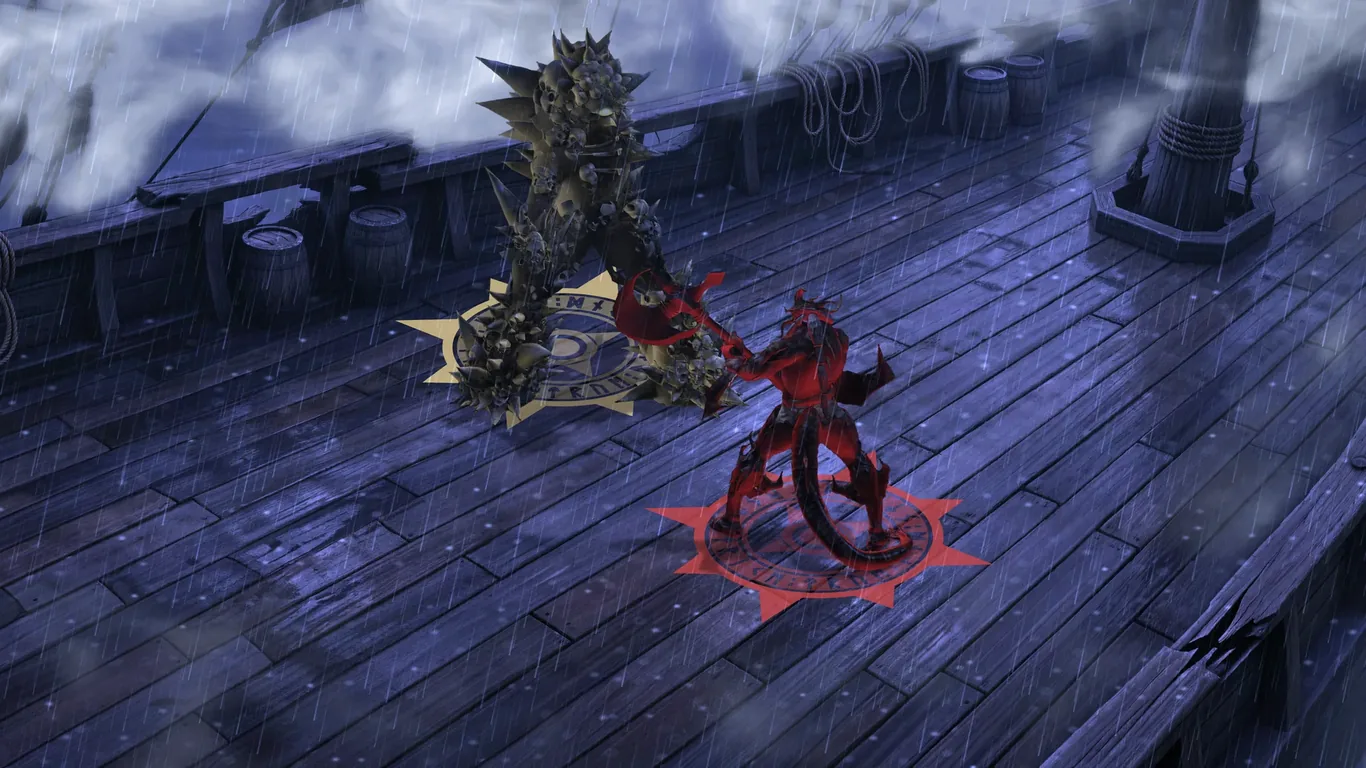
The battlefield is the business card of Disciples 2. You spend hours here planning moves, trying out compositions or just grinding through enemies. Like many games of its era, it is barely forgiving: one miss can ruin a 15-turn battle, and without a visible turn queue the enemy moves come as a surprise all the time.
I will start by showing you the anatomy of the final frame, because pretty pictures might be able to buy your patience for the technical parts:

 Battlefield
 Lava and smoke
 Shadows
 Selection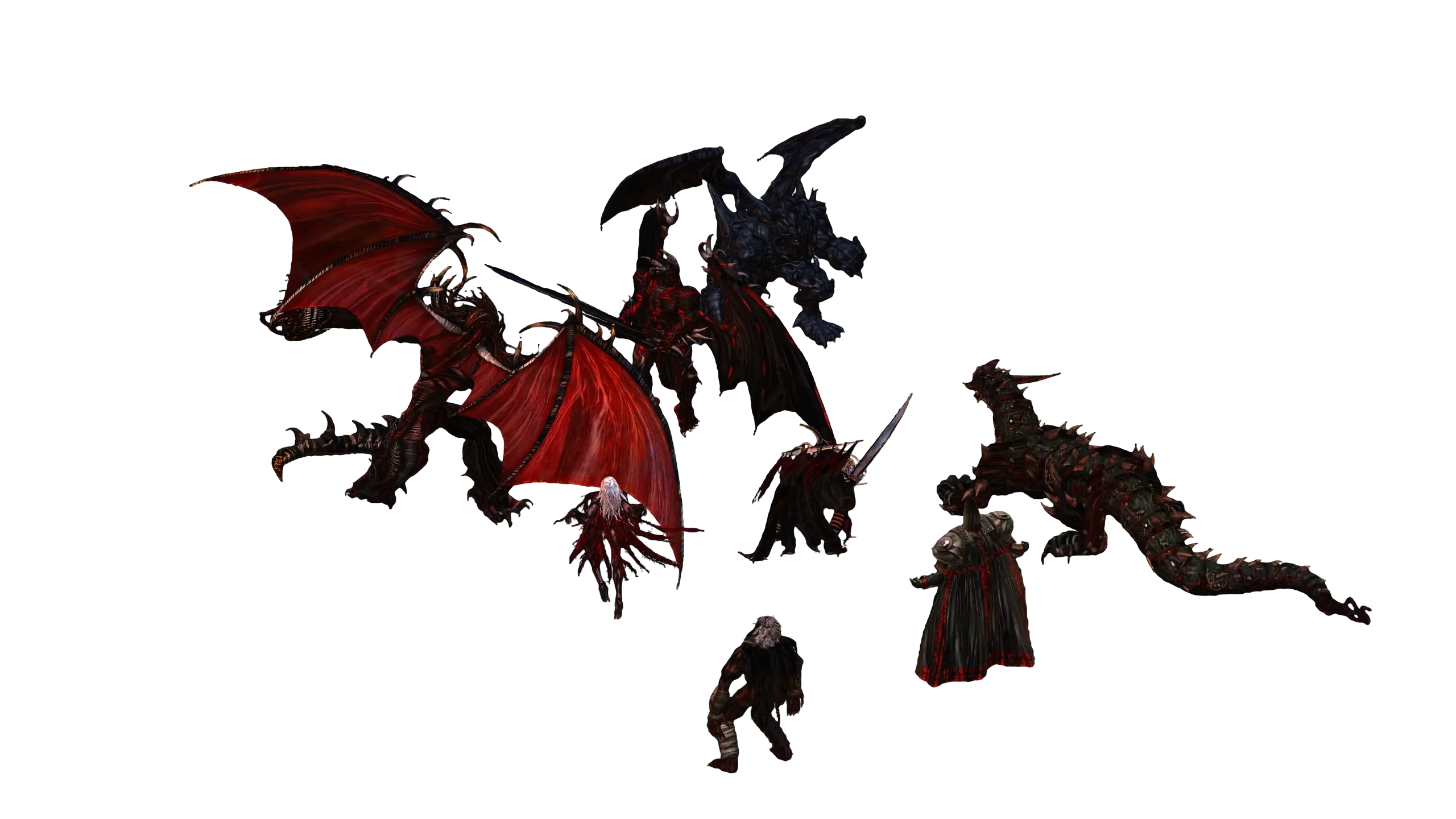
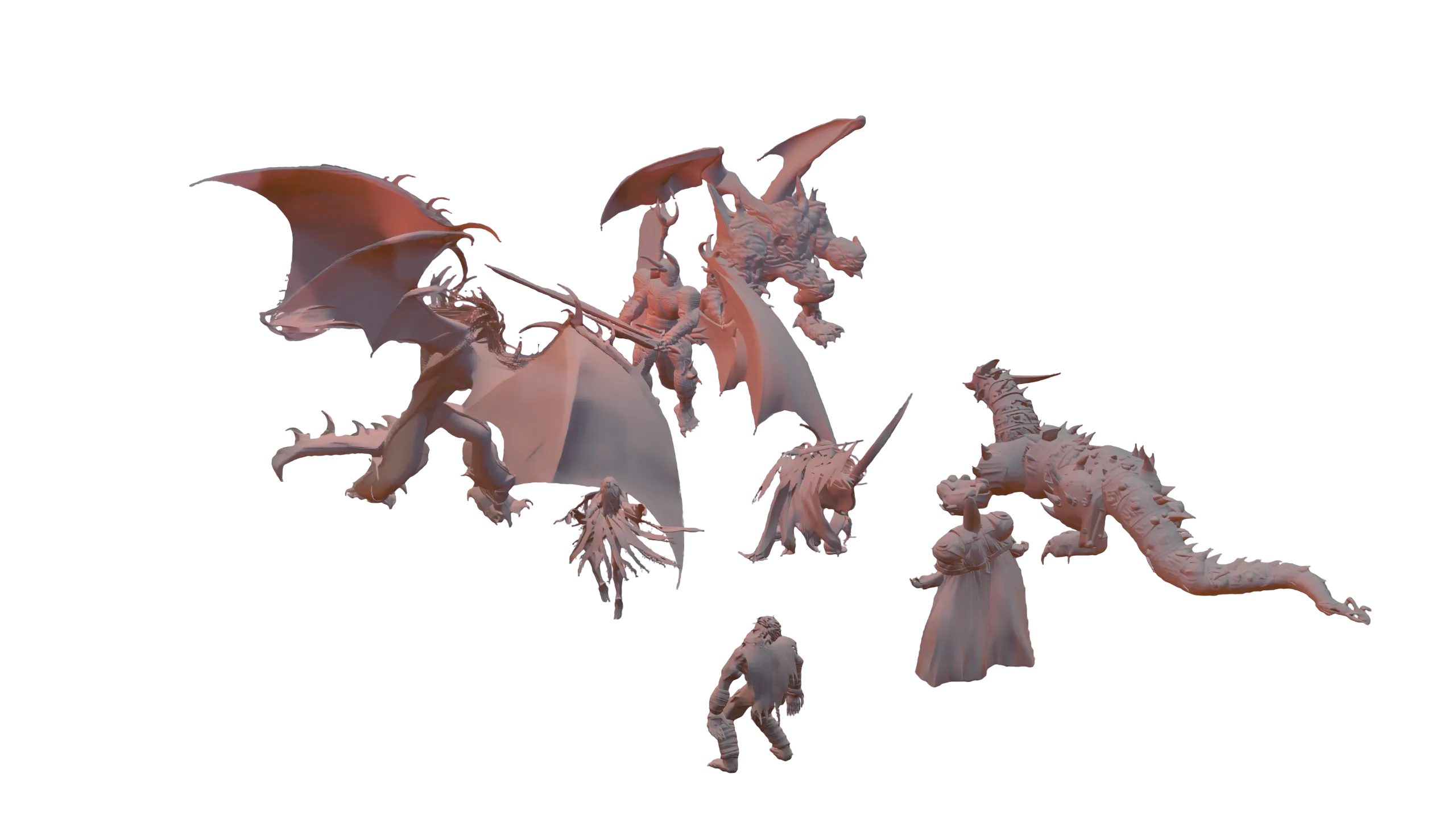 Units
Units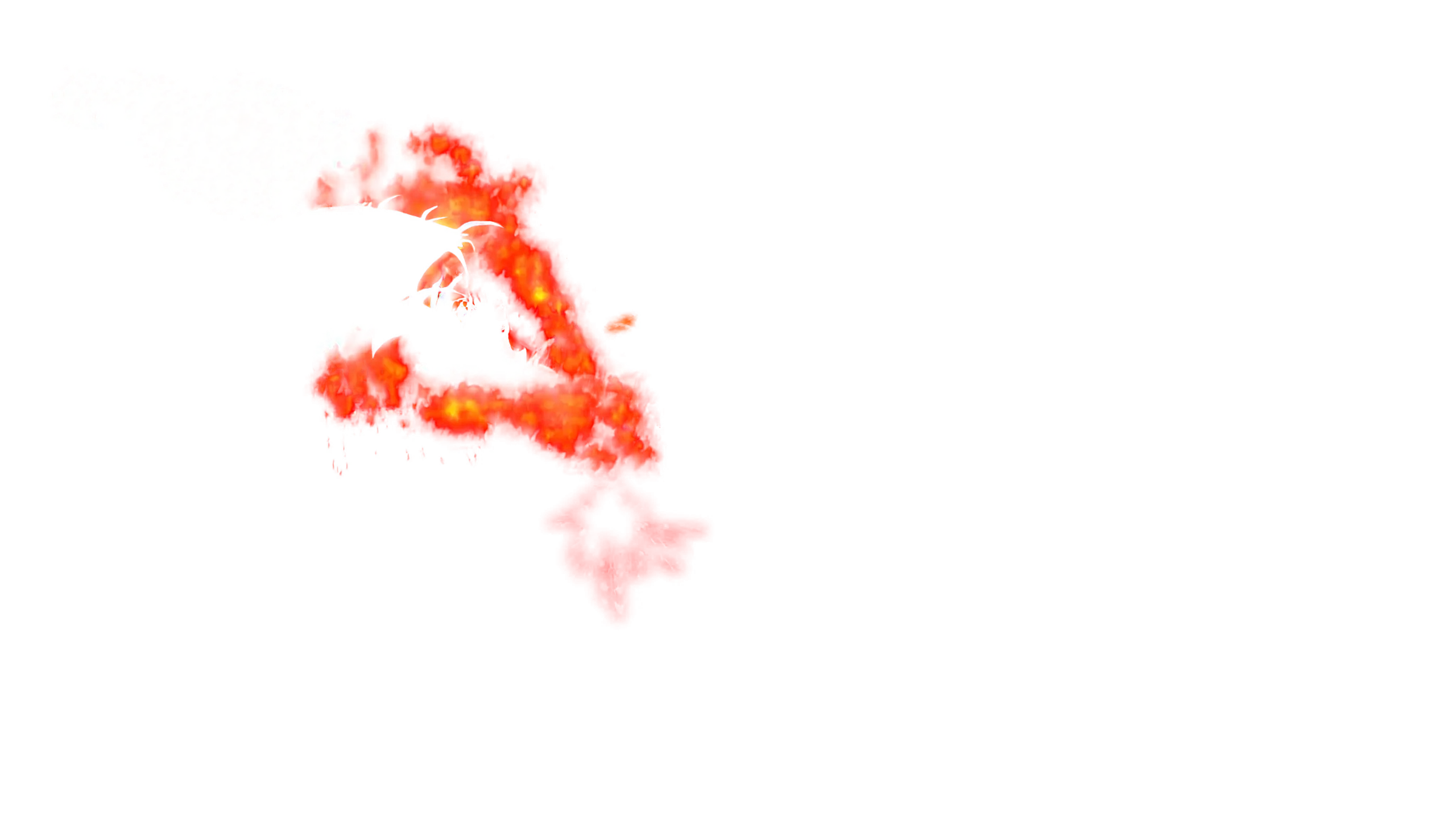 Effects
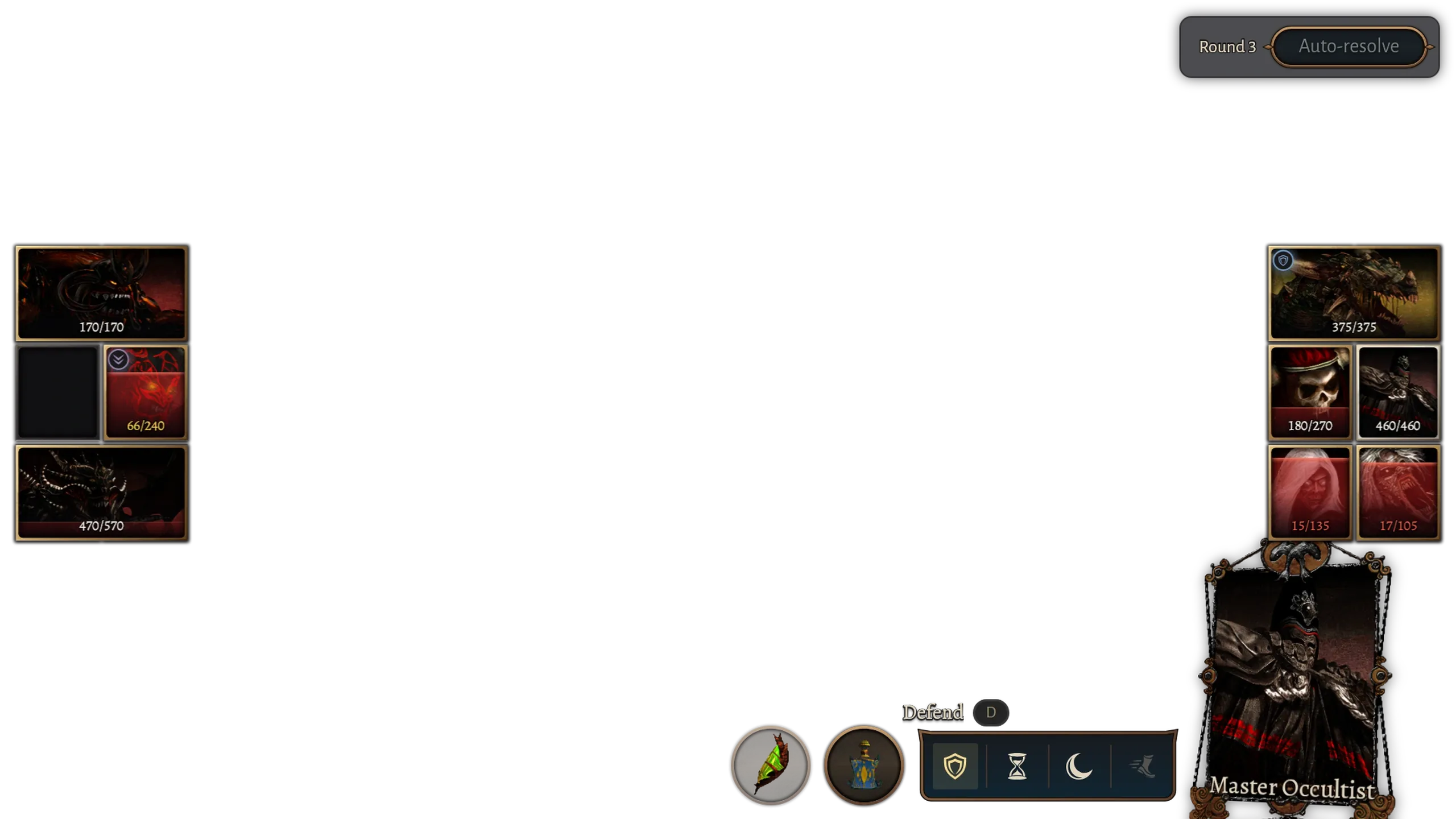 Interface
00/ 15 One frame
Battle frame
A battle frame combines the background, units, effects and interface.
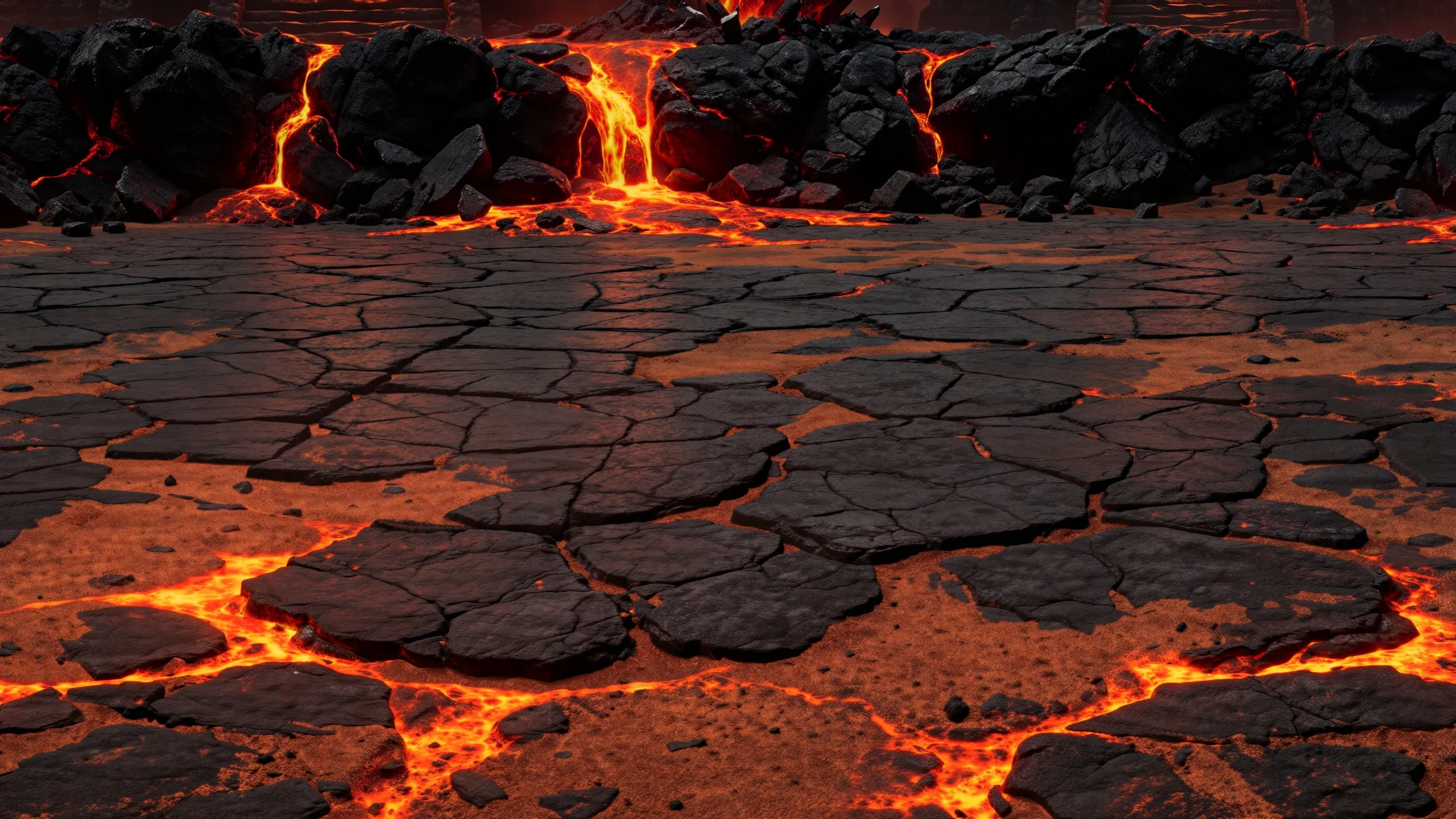
01/ 15 Battlefield
Background color
The battlefield starts as a 5760×2400 painting of plain colors, with no light or shadow. It has extra room at the sides for wider screens.
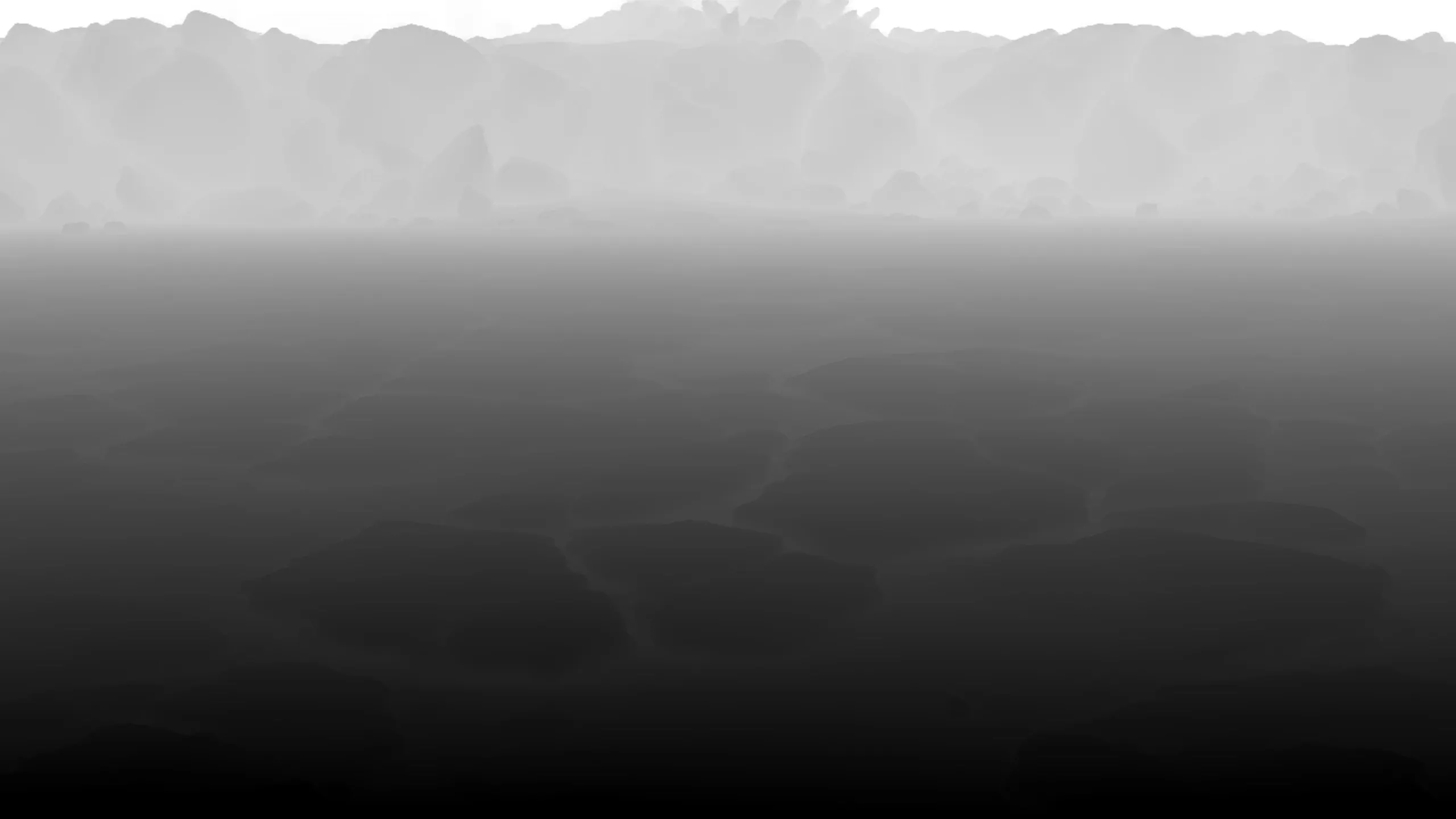
02/ 15 Battlefield
Background depth
A depth map estimates how far away each part of the ground is. This helps nearby lights reach the right areas.
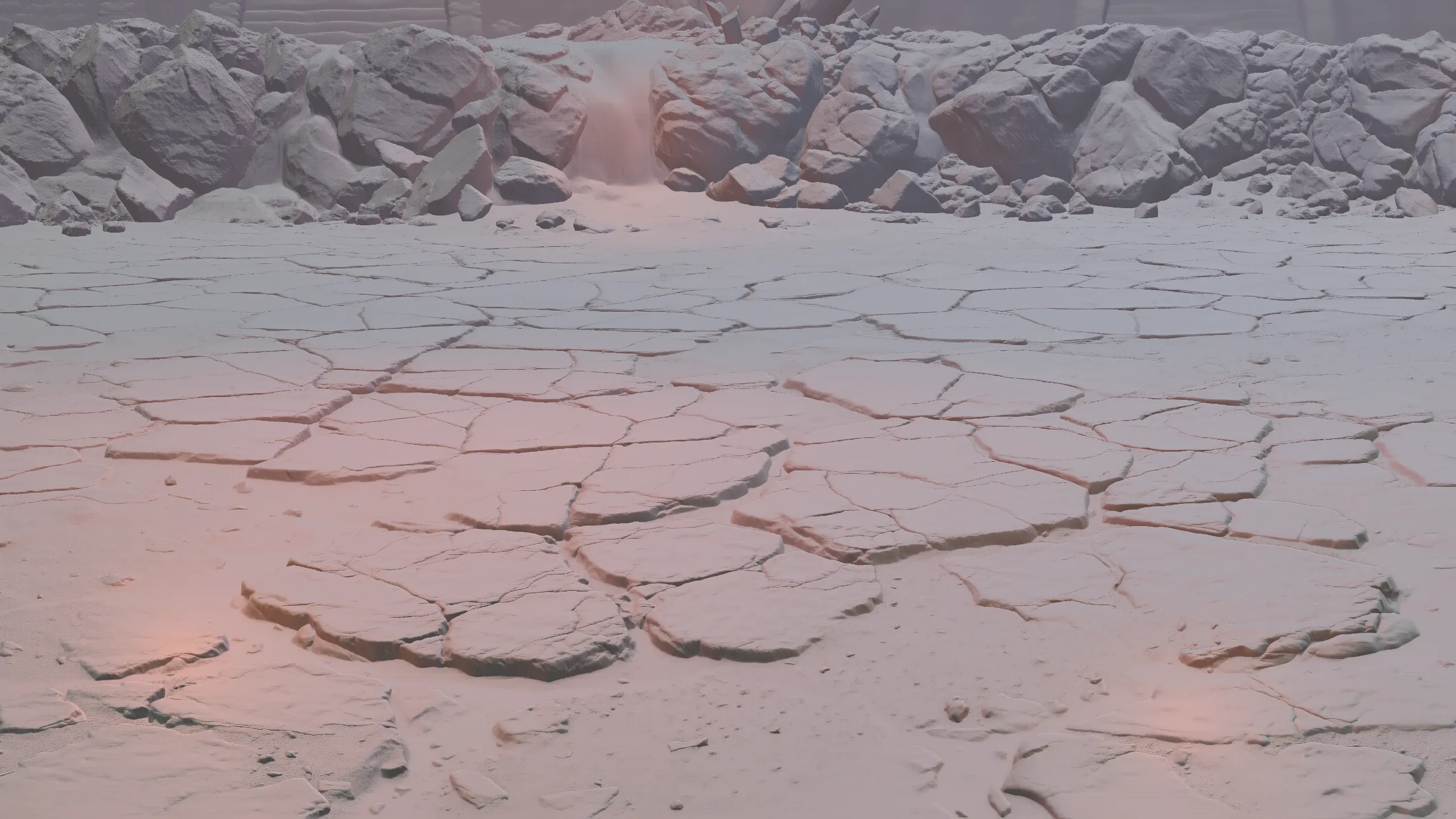
03/ 15 Battlefield
Background normals
A normal map estimates which way each part of the ground faces. This tells the renderer how light hits it.
04/ 15 Battlefield
Lighting
The sun, lava and fire light the ground. Here they are shown on a plain gray surface.
05/ 15 Battlefield
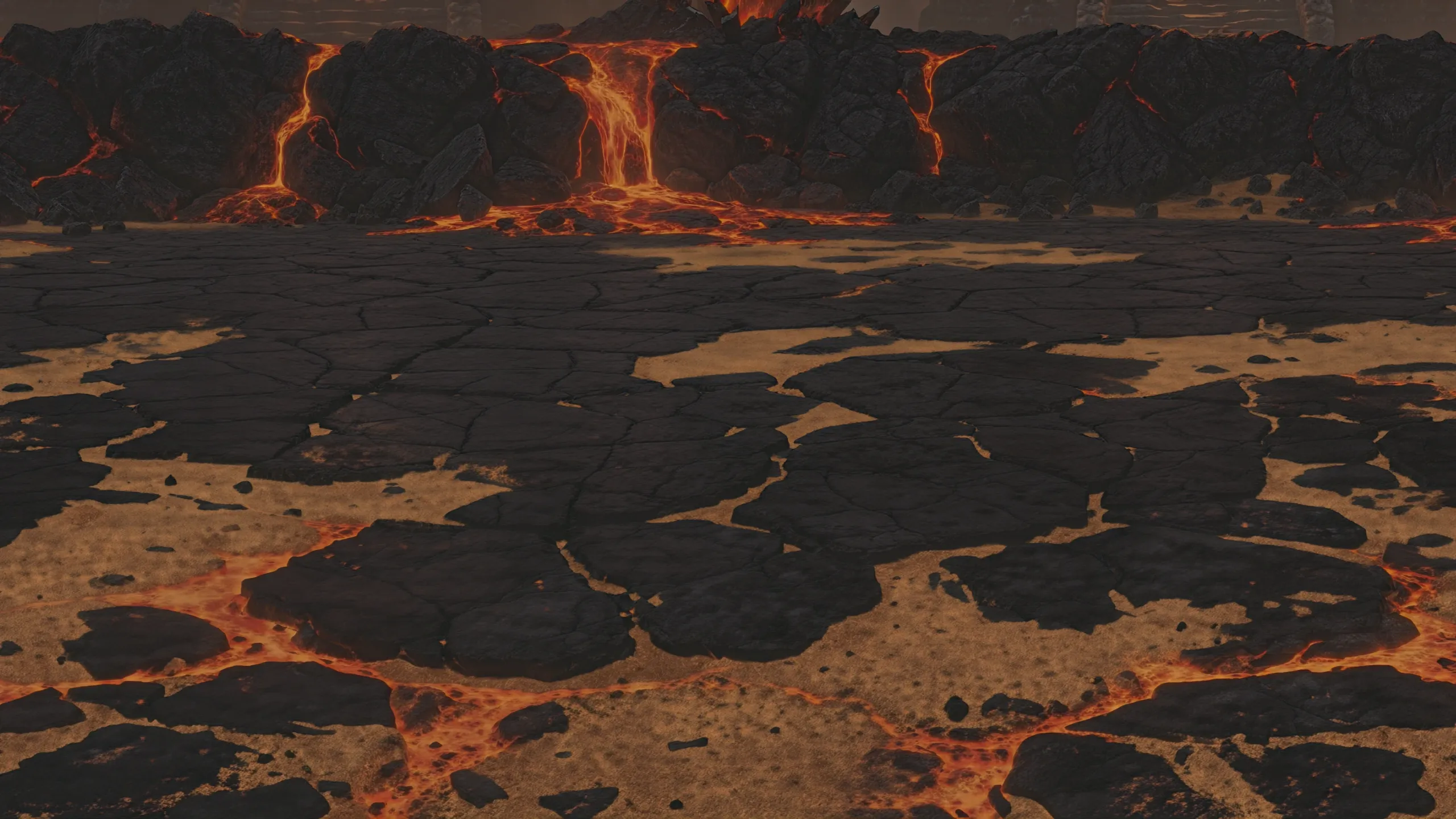
Lit background
The renderer lights the painting with the sun, lava and effects.
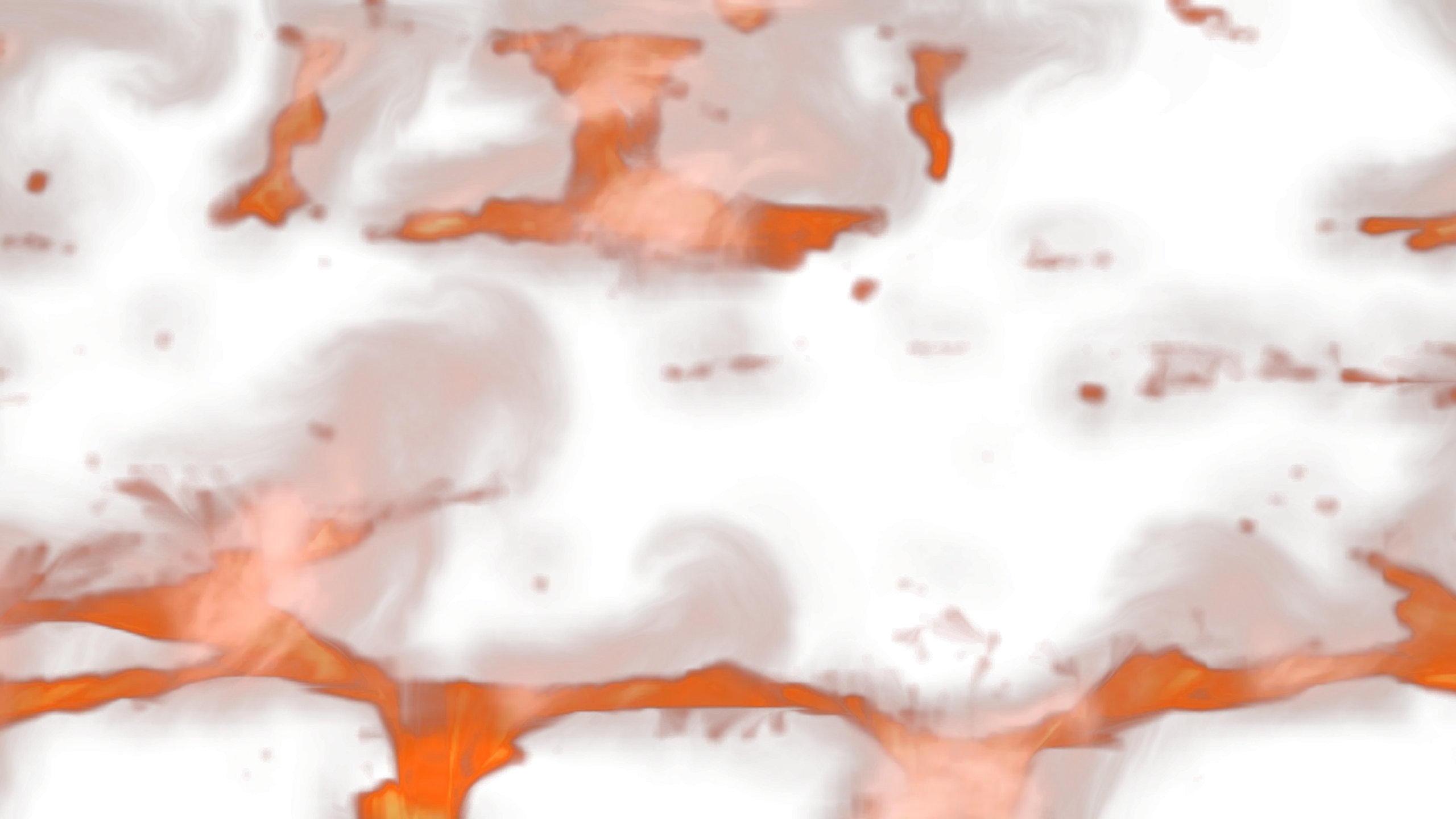
06/ 15 Lava and smoke
Lava and smoke
Lava and smoke play as animation loops over the background. They respond to the scene lights too.
07/ 15 Shadows
Shadows
Units keep their original isometric (but softened) shadows. Nearby effects can add another dynamic shadow.
08/ 15 Selection
Selection
A ground marker and a highlight show the selected unit. Ground markers disappear during action animations.
09/ 15 Units
Unit sprites
The original animations are restored at 4×.
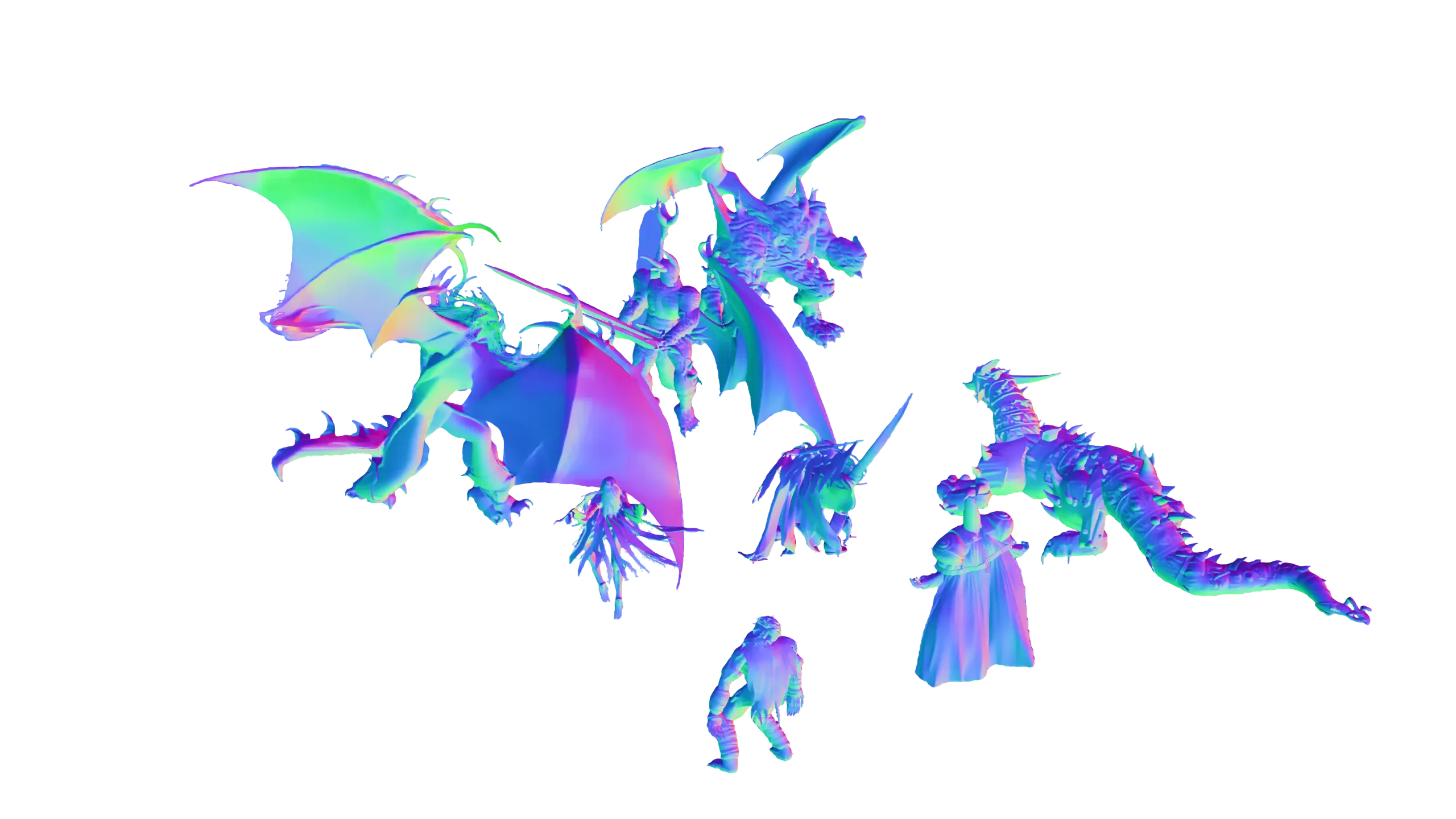
10/ 15 Units
Unit normals
Each frame has a normal map. This lets a sprite with a baked light respond to dynamic light sources.
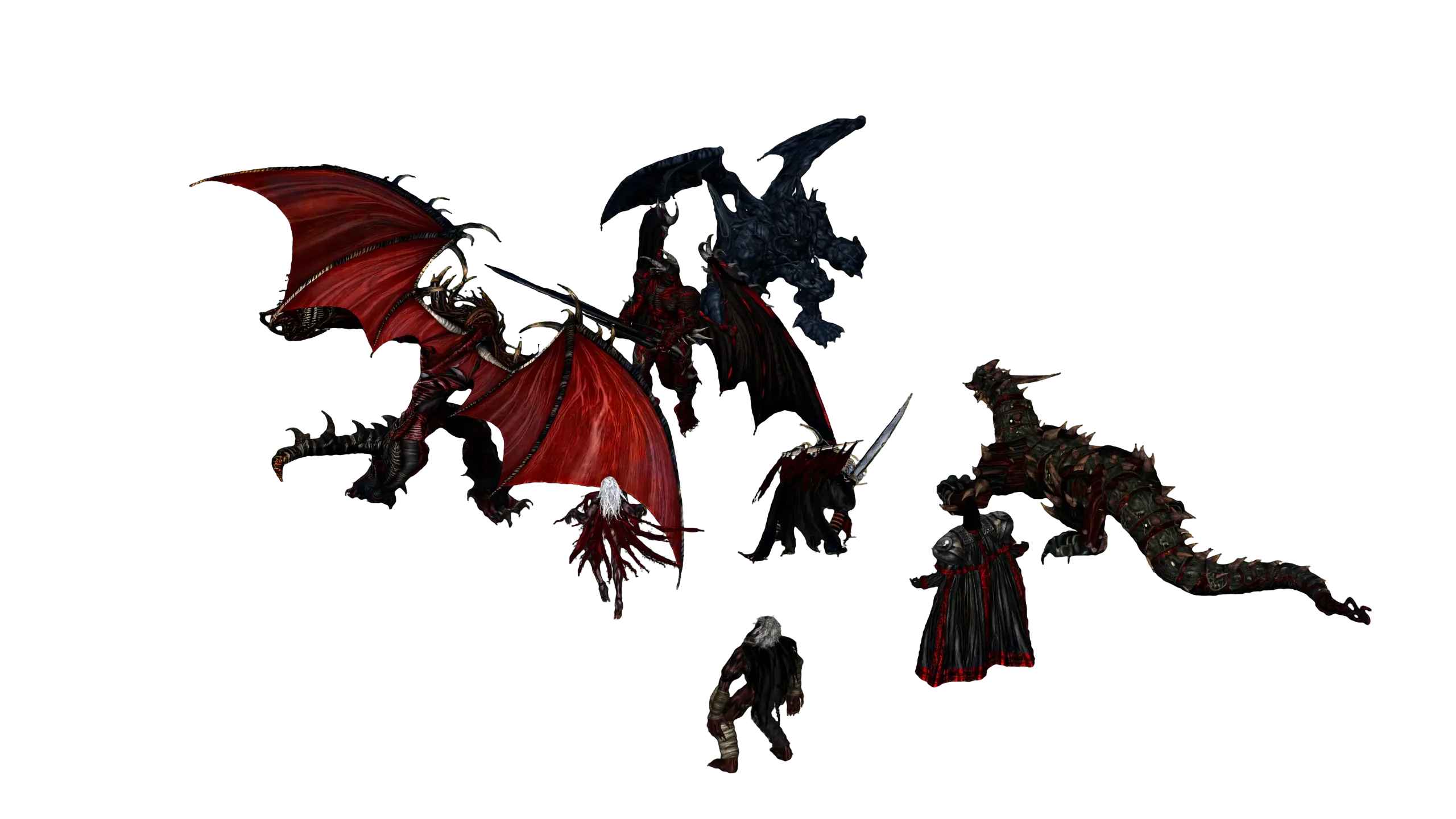
11/ 15 Units
Unit lighting
The same sun, lava and fire light the units, along with color from the surrounding battlefield.
12/ 15 Units
Lit units
The sprite colors and lighting combine to draw the units in the scene.
13/ 15 Effects
Effects
Attacks and spells use the original animations. Glowing effects also light the ground and units.
14/ 15 Interface
Interface
Unit cards, hit points, items and commands are drawn above the scene. The interface scales with the screen and DPI.
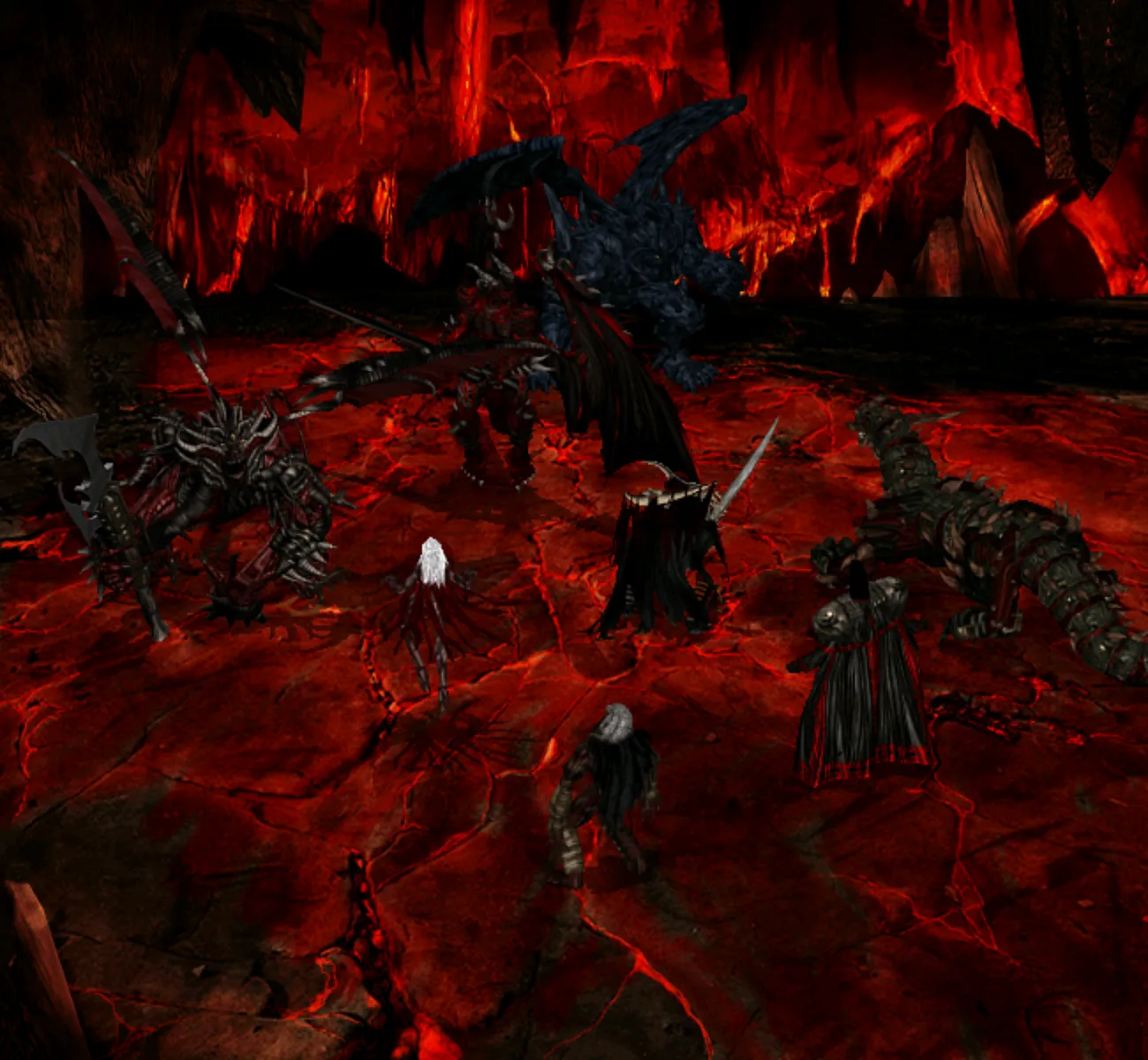
15/ 15 One frame
Final frame
All the layers come together. The game updates the lighting as it draws each frame.
What I started with
For a remake that relies on original assets, there actually isn’t too much to gather from. The original draws at 800×600, in 16-bit color space using prerendered animated unit sprites in three different closed-loop forms: idle, attack, hit. The sprites come in layers for bodies, auras and shadows that get composed at different depths when rendering.
All units are built from 3D models, with a good polygon budget for the time, but not all of them aged well. That’s especially visible on small units where the artists were clearly skipping details that would become a couple of pixels in the final render. Units use flat baked lights with the light source located slightly above them.
The battle backgrounds have a special upward-facing geometry and a non-standard isometric projection to compensate for different unit sizes and lack of real depth.
When I was doing the early planning, I decided the remake needs to:
Look good in 4K
That means supporting different scaling factors and aspect ratios up to 21:9, and playing in 4K even on an iGPU. Given that the original was working fine with 64 MB of RAM on 2000-era hardware, aiming for less seemed wrong spirited.
Light everything dynamically
I would be aiming for proper dynamic lighting for units, effects and the environment. I would not aim for a proper 3D unit reconstruction, so for lighting that means I would have to recover the normals information directly from unit sprites.
Redo the backgrounds
I would make new backgrounds from scratch instead of upscaling the old ones, possibly with real 3D geometry.
Ship the asset pipeline
The asset pipeline, which I decided to call
Umbra, has to be a proper first-class part of the project, built on the same .NET stack. It has to be fully deterministic and work on common hardware, so that end users can run it themselves.
Making the units larger
I realized it would probably take multiple separate steps to get to 4K, so I started with the simple task of making the units twice their original size. My strategy was: try to recover as much original information as possible in the early steps. And leave all steps that might transform that information until the end.
A subtle property of this approach is that if the first steps are low-quality, all that follows turns into garbage. I learned that the hard way, after I started from upscaling the unit data to 2× by feeding animations to ESRGAN3 models:
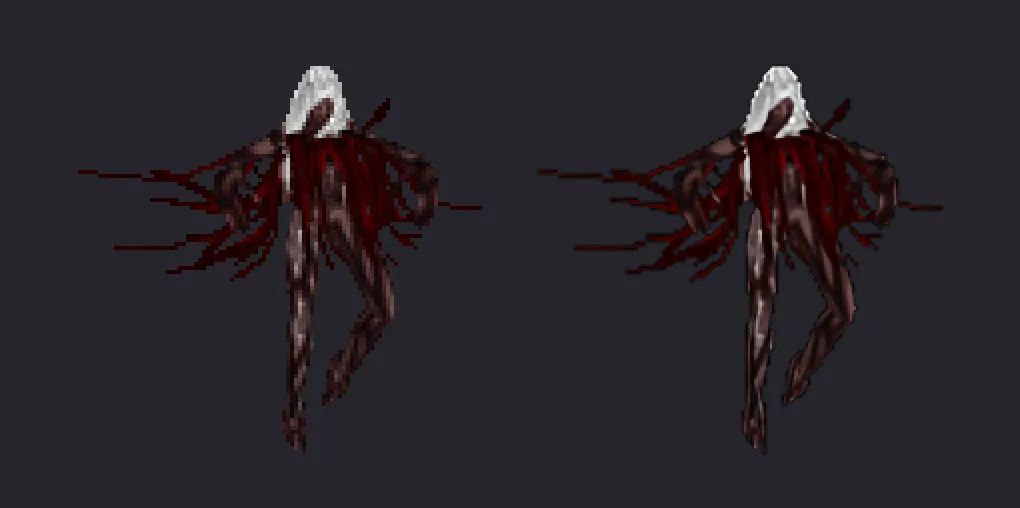
As it turns out, animations need spatial and temporal consistency that breaks when using simple upscale models pretrained on static anime images.
It took me a while and some experiments to understand that although the sprites are images with alpha, they need to be processed as a complete animation sequence. This follows the principle of grabbing as much source information as possible, because the animated sequences actually carry a lot of hidden data encoded between frames about the source. Video-based restoration models such as the BasicVSR++ I ended up with for the first step are able to exploit that information.
In simple terms, think of it as follows: you can have three consecutive frames, and only one of them has unblurred details. If the restoration model can use that clearer frame and keep its details in its temporal context, the better info propagates to the final result.
Why three frames? Because that’s what I tried and enlarging the window didn’t improve the results further.
Unfortunately, the restored 2× units still did not have the detail I wanted for a 4K display. For better fidelity, I had to get the missing details out of somewhere.
Making the units detailed
Even with a proper 2× upscale the result is still too small. For example, for a typical small unit the sprite size becomes just 200×200, nowhere near enough for 4K.
I couldn’t find any solution other than guided generative refinement. But then at least I constrained this process to only inventing new things for those parts of the artwork where the model has a low confidence level. I chose a relatively recent LTX model and guided it with Gemma4-encoded prompts.
After that I had to spend a lot of GPU pod time going through most of the small units’ faces, which weren’t too easy to get right, especially because the unit portraits don’t always match the actual sprite:
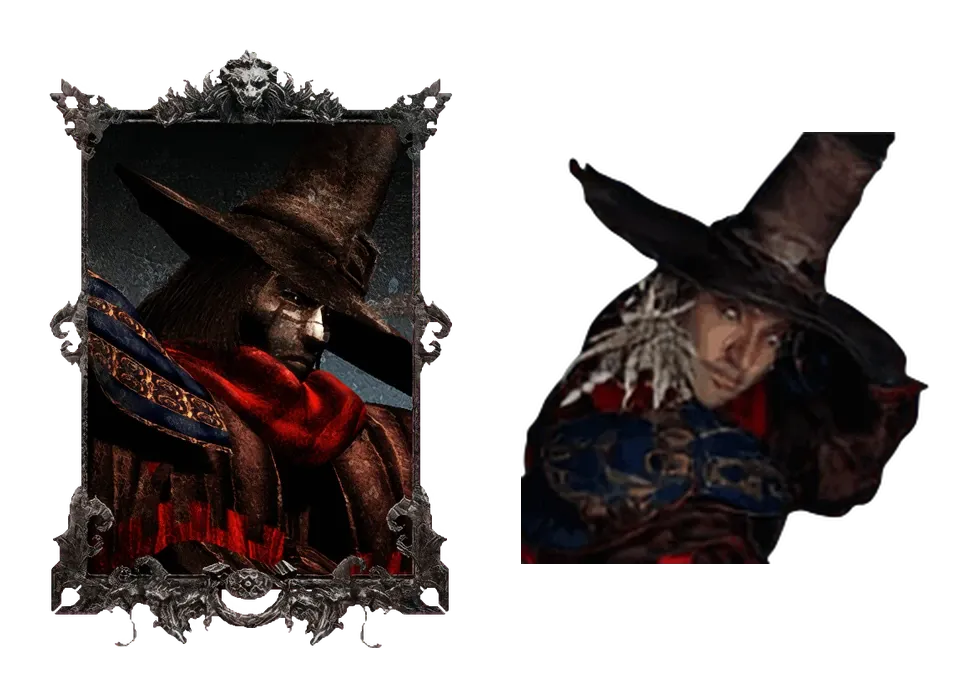
A neat trick I found is to display a heat map of the result that shows if the tokens encoded in the prompt have actually affected the result. In the example below, my prompt was explicitly encoding the wanted shape of the helmet, trident and hands, so those are the parts that light up:
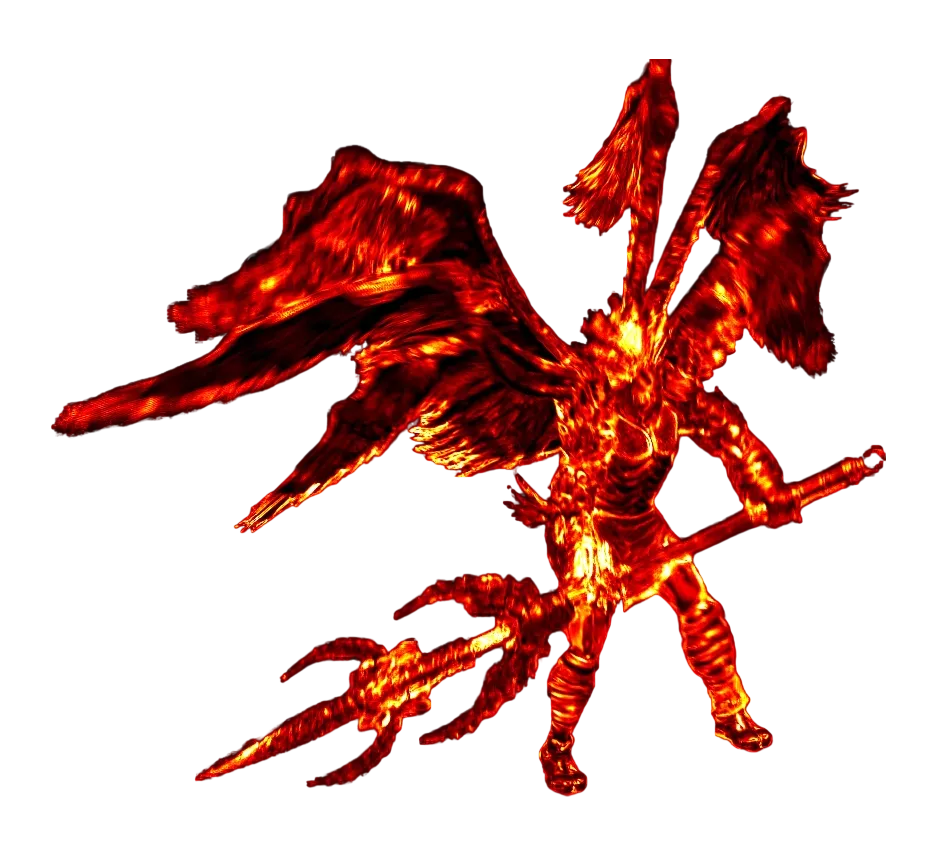
LTX works on RGB video, which brings the alpha problem: it does not produce a transparency channel. Because refining changes the details, simply putting the original alpha back would give mismatched edges. Essentially, we are discarding the alpha information and have to reconstruct it back from the final result.
At first I tried refining the input twice on different backgrounds and post-processing that with a filter. My idea was that we could take the common pixels from two runs and turn them into a clear alpha contour. However, that didn’t work because using different backgrounds shifts the model state, and apparently it’s not possible to get identical generations even when you feed them the same noise vectors. In the end, this approach resulted in a much more complex problem than it was before, because now I had to pick the alpha contour out of two diverging sets of pixels.
My current solution for the alpha problem is to manually add a chroma key before refining, and then remove it with another model, CorridorKey. As you will see below, this doesn’t remove 100% of the chroma key in complex situations involving small “inland” pixels. But the final rendered result looked good enough, so I decided to stop here.
Before you get bored, I will show the full pipeline with different unit examples. Pick a unit, and check out its idle and attack animations:
Unit pipeline
Game assets
The original sprite, with its background removed using the transparency data from the game.
BasicVSR++
The animation is enlarged to twice its width and height. Each frame uses data from neighbor frames to restore details and reduce flicker.
The frames are placed on a solid background because the next model cannot work with transparency.
LTX
LTX adds detail and doubles the size again, guided by the animation and a text description of the unit.
CorridorKey
CorridorKey removes the chroma background and recovers transparent edges.
vrgb-x
A normal map estimates which way each part of the unit faces, so the sprite can respond to light.
Gallean renderer
The finished sprite under battlefield lighting. Nearby effects can also add shadows.
Up next: making the units respond to light
So far, I have scratched some parts of the battle asset restoration and the pipeline. However, even ideally restored static sprites would still look flat and unalive if they do not react to lights. The pipeline infographic above gives a hint of how the current lighting works: by storing a separate normal layer and exploiting the fact that all original assets are prerendered with exactly the same baked-in light. I will continue the story about this in the next post.
In the upcoming posts, I hope to write about actually lighting the units, making the backgrounds with environmental effects, and about why Drega Zul just can’t miss the opportunity of being eaten by the Kraken.
Stay tuned, and thanks for your attention!